midown
i tried out midown, a tool that helps AI coding agents understand how a codebase is put together.
it also happens to be built by a friend from college. we worked on a road defect indexing system together, it's fun to see something he made grow into its own project.
what is midown?
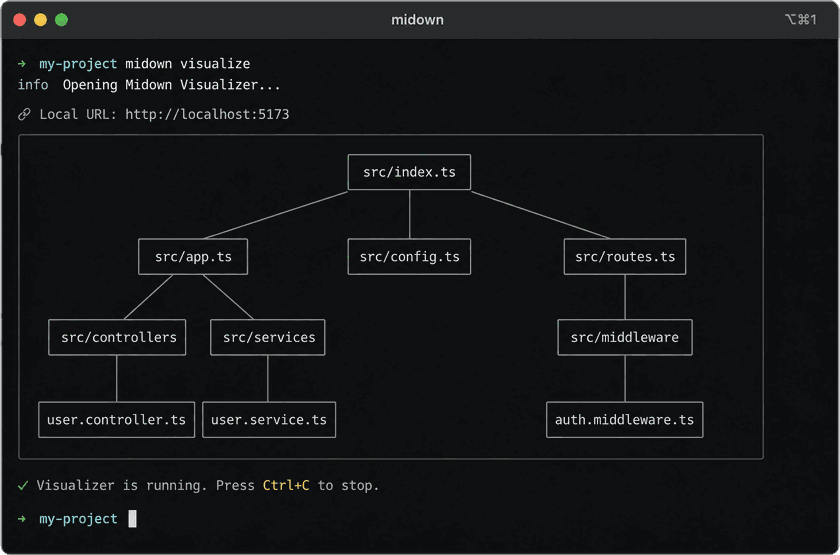
midown turns your codebase into a graph.
instead of letting an AI dig through every file to figure out how things connect, midown hands it a clear view of your files and how they relate.
it can also share that info over MCP, so tools like claude and cursor can read it.
midown basically gives your AI coding agent a map of your code.
getting started
install the CLI:
npm i -g @bentlyr/midown
go to your project:
cd my-project
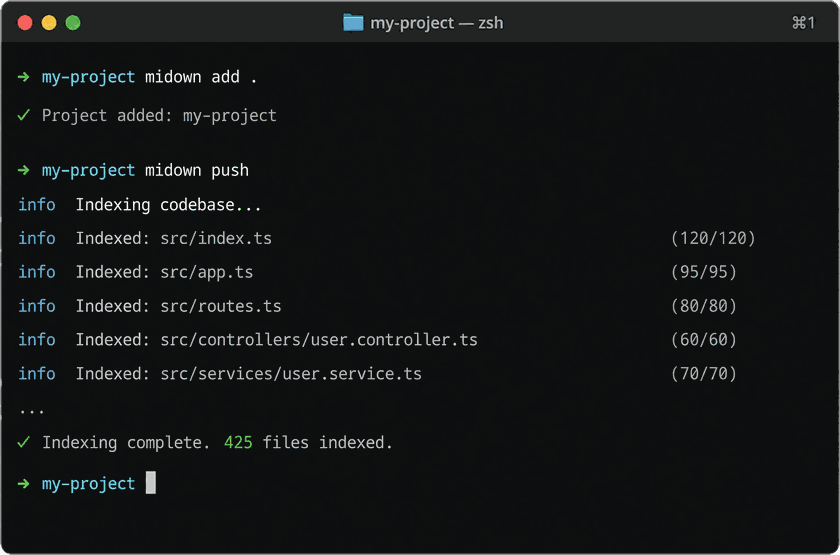
add it to midown:
midown add .
then index it:
midown push
you should see midown go through your files and build the graph.
connect your AI tools
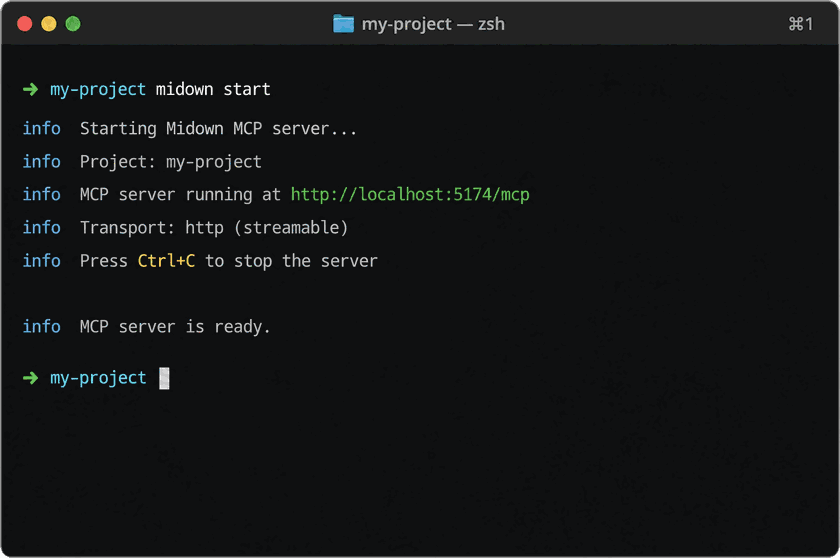
once the project is indexed, run:
midown start
that starts the local MCP server, which lets supported AI coding tools read your codebase structure.
see your project
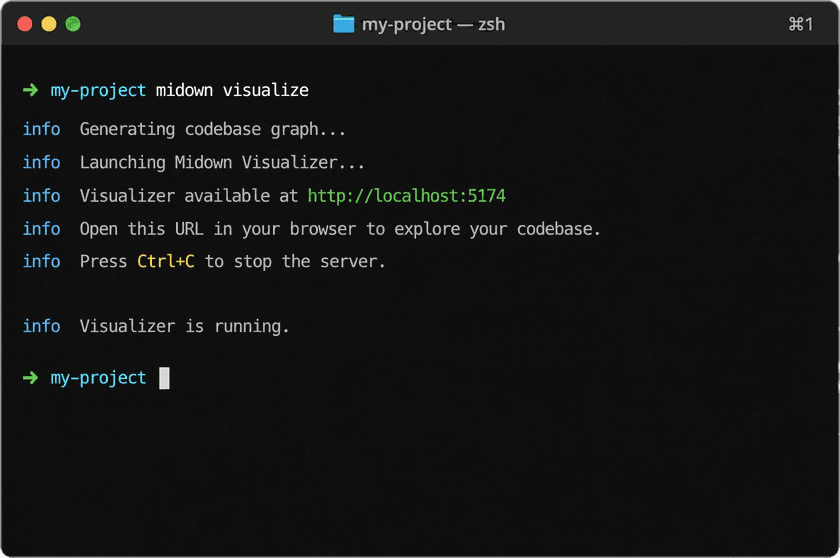
you can also run:
midown visualize
this opens a local web app where you can click around and see how files and components connect.
why bother?
the point is less searching and less context for the AI.
on a small project you probably will not notice much. on a big one, a map helps the AI find the right files faster.